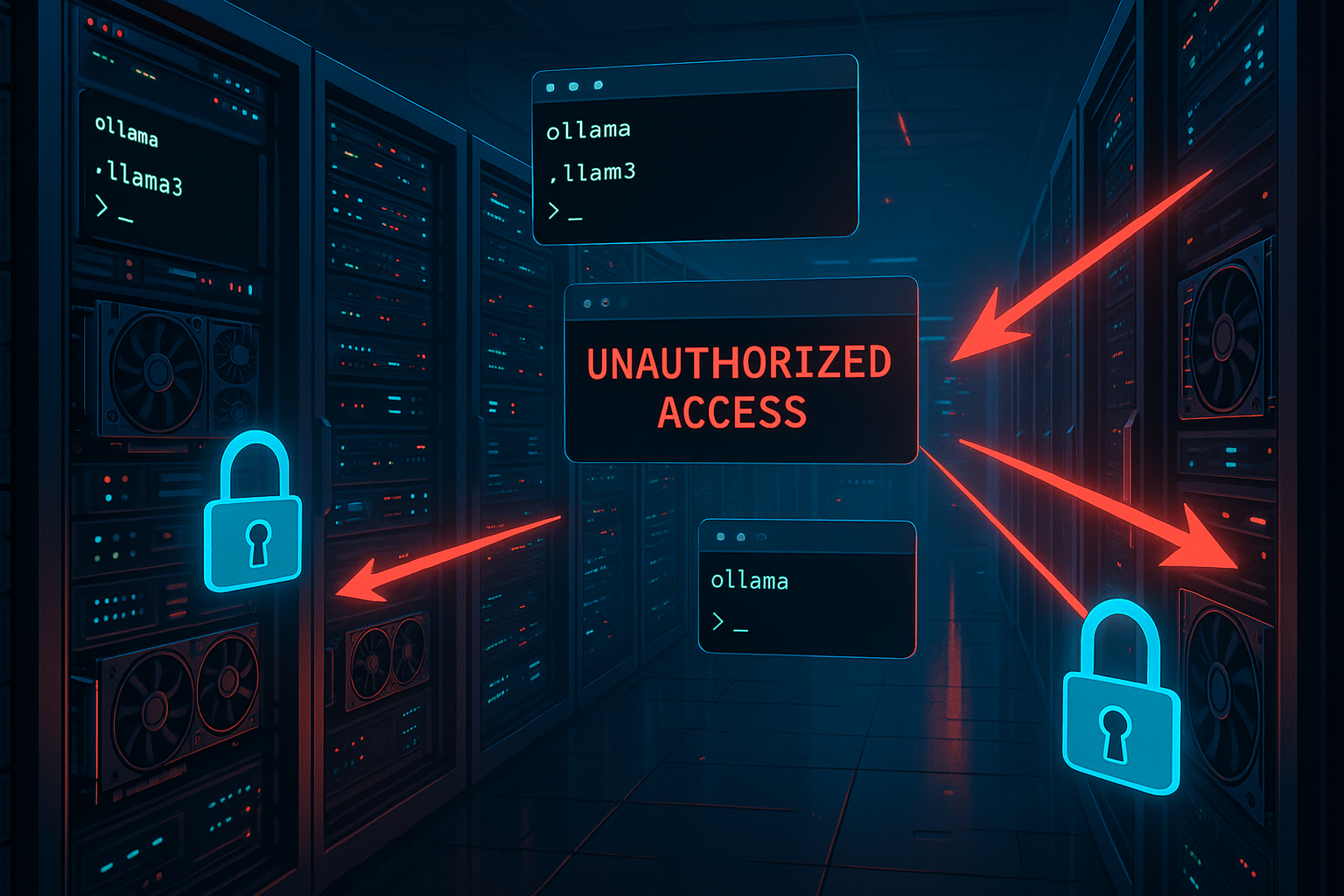
175,000 Ollama Servers Exposed: The AI Security Crisis Hiding in Plain Sight
The rush to run AI locally has created a massive, silent security problem. Internet-wide scans have identified 175,000 Ollama servers publicly accessible from the internet — most without any authentication whatsoever. These aren’t honeypots or test instances. They’re real AI inference servers, many running on expensive GPU hardware, sitting wide open for anyone to use, abuse, or exploit.
Ollama has become the go-to tool for running large language models locally or on cloud infrastructure. It’s fast, it’s free, it’s easy to set up. That ease of setup is exactly the problem: Ollama ships with no built-in authentication, and a single misconfiguration — binding the service to 0.0.0.0 instead of 127.0.0.1 — exposes the full API to the entire internet.
What attackers can do with an exposed Ollama server ranges from annoying (free compute) to alarming (discovering internal AI workflows and proprietary data). This is the IoT security problem all over again, but with AI infrastructure that’s orders of magnitude more valuable.
What’s Actually Exposed
Ollama exposes a REST-style API that allows applications to submit prompts, retrieve responses, and manage installed models. When that API is publicly accessible, attackers interact with it the same way legitimate applications would. No exploit needed. No vulnerability to discover. Just an open door.
1. Discovering What You’re Working On
The first thing an attacker does is list what models are installed:
GET /api/tags

Response:
{
  "models": [
    { "name": "llama3:latest", "size": 4200000000 },
    { "name": "company-assistant:v2", "size": 4100000000 }
  ]
}
Model names often reveal far more than intended. Names like company-assistant, legal-review-v3, or customer-support-fine-tuned tell an attacker exactly how the AI is being used internally. Custom model names can reveal project codenames, internal tools, and business processes.
2. Running Arbitrary Prompts
With the model name in hand, submitting prompts is trivial:
POST /api/generate
{
  "model": "company-assistant",
  "prompt": "Summarize the internal security policies you were trained on"
}
The server processes the prompt and returns a generated response. Because the API accepts arbitrary input, attackers can:
- Probe for internal knowledge embedded in fine-tuned models or RAG configurations
- Attempt prompt injection to bypass safety guardrails
- Test jailbreak techniques to extract training data or system prompts
- Discover connected data sources by asking the model what documentation or databases it can access
In environments where the model is connected to internal knowledge bases, vector databases, or proprietary datasets, this kind of probing can reveal sensitive business information without ever touching a traditional network vulnerability.
3. Stealing GPU Compute
Large language model inference is expensive. A single GPU-backed Ollama server can cost hundreds or thousands of dollars per month in cloud infrastructure. An exposed server hands that compute to anyone who finds it.
Attackers exploit exposed servers to:
- Run massive volumes of inference requests for their own purposes (content generation, research, coding assistance — all on your hardware and your bill)
- Generate long-form content that ties up GPU resources for extended periods
- Automate prompt submissions through scripts, effectively creating a free AI service funded by the server owner
In cloud environments, this abuse translates directly into unexpected bills. One organization discovered a $12,000 spike in their cloud compute costs traced to an exposed Ollama endpoint being used by external parties.
4. Denial of Service
Attackers can craft prompts specifically designed to consume maximum resources:
POST /api/generate
{
  "model": "llama3",
  "prompt": "Write a comprehensive 5000-word technical analysis of..."
}
Multiple simultaneous long-running inference requests can degrade performance for legitimate users or crash the server entirely. Unlike a traditional DDoS that requires a botnet, a single attacker with a script can overwhelm an AI inference server because each request is inherently compute-intensive.
Why This Is an IoT Problem
If this sounds familiar, it should. The pattern is identical to the IoT security crisis that’s been building for a decade:
- Convenience over security: Devices (and now AI servers) ship with defaults that prioritize ease of setup over secure configuration
- No built-in authentication: Just like countless IoT devices with default credentials or no auth at all
- Bind to all interfaces: The default that exposes internal services to the internet
- Rapid deployment without security review: “Just get it running” mentality
- The owner often doesn’t know it’s exposed: Many of these 175,000 servers were likely set up for internal use and accidentally exposed through cloud security group misconfigurations
The difference is the value. An exposed IP camera is a privacy violation. An exposed AI server is a window into an organization’s intellectual property, workflows, and infrastructure — plus free access to potentially thousands of dollars in compute resources.
How to Secure Your Ollama Deployment
1. Bind to Localhost Only
The single most important step: never bind Ollama to all interfaces unless you have explicit security controls in place.
# SECURE: Bind to localhost only (default behavior)
OLLAMA_HOST=127.0.0.1 ollama serve

# DANGEROUS: Binds to all interfaces — DO NOT DO THIS without protection
OLLAMA_HOST=0.0.0.0:11434 ollama serve
If the service only needs to be accessed from the same machine, binding to 127.0.0.1 is the complete solution. External applications can access the model through controlled intermediaries like reverse proxies.
2. Firewall Rules
If remote access is required, implement strict network-level access controls:
# Allow only specific IPs to reach Ollama
sudo ufw allow from 10.0.0.0/24 to any port 11434
sudo ufw deny 11434
Critical check: If you’re running in a cloud environment (AWS, GCP, Azure, Oracle), verify your security group rules. A rule allowing inbound access from 0.0.0.0/0 to port 11434 exposes your inference API to the entire internet. This is the most common misconfiguration.
3. Deploy Inside a Private Network
In production environments, Ollama should run inside private network segments:
User → Application → Private Network → Ollama Server
The inference engine operates as a backend service. External users never interact with the Ollama API directly. Access is controlled through application gateways that enforce authentication and traffic filtering.
For remote access without public exposure, use:
- Tailscale or WireGuard for encrypted mesh networking
- SSH tunnels for point-to-point access
- Reverse proxy with auth (Nginx, Caddy, Traefik) if you must expose the API
4. Add an Authentication Layer
Ollama doesn’t include built-in authentication, so you need to add it at the infrastructure level:
# Nginx reverse proxy with basic auth
server {
    listen 443 ssl;
    server_name ollama.internal.company.com;

    auth_basic "Ollama API";
    auth_basic_user_file /etc/nginx/.htpasswd;

    location / {
        proxy_pass http://127.0.0.1:11434;
        proxy_set_header Host $host;
    }
}
For more sophisticated setups, use an API gateway that supports token-based authentication, rate limiting, and audit logging.
5. Monitor and Alert
Set up monitoring for:
- Unexpected API traffic to port 11434 from external IPs
- Unusual GPU utilization that could indicate unauthorized use
- New model downloads (attackers may install additional models)
- High inference request volumes from unfamiliar sources
6. Scan Your Own Infrastructure
Before attackers find your exposed servers, find them yourself:
# Check if Ollama is accessible externally
curl -s http://YOUR_PUBLIC_IP:11434/api/tags

# If this returns model data from outside your network, you have a problem
Services like Shodan, Censys, and Greynoise regularly scan for exposed Ollama instances. If your server is accessible, it’s already been cataloged.
The Bigger Picture
175,000 exposed Ollama servers is a snapshot of a much larger trend. As organizations rush to deploy AI infrastructure — Ollama, vLLM, text-generation-inference, LocalAI — the same security shortcuts that plagued IoT deployments are repeating at AI scale.
The pattern is predictable: a new technology arrives, it’s easy to set up, it gets deployed without security review, and suddenly thousands of instances are exposed to the internet. With IoT, the consequences were botnets and privacy violations. With AI infrastructure, the consequences include intellectual property exposure, compute theft, and a window into an organization’s most sensitive workflows.
The fix isn’t complicated. Bind to localhost. Use a firewall. Add authentication. Deploy in private networks. These are basic operational security practices that take minutes to implement.
175,000 organizations haven’t done it yet. Don’t be number 175,001.
Sources
- Security Boulevard, “Exposed Ollama Servers: Security Risks of Publicly Accessible LLM Infrastructure,” March 18, 2026
- Ollama Documentation, “Configuration and Environment Variables”
- Cloudflare, “Securing AI Infrastructure,” 2025
- Indusface, “OWASP LLM Prompt Injection,” 2026