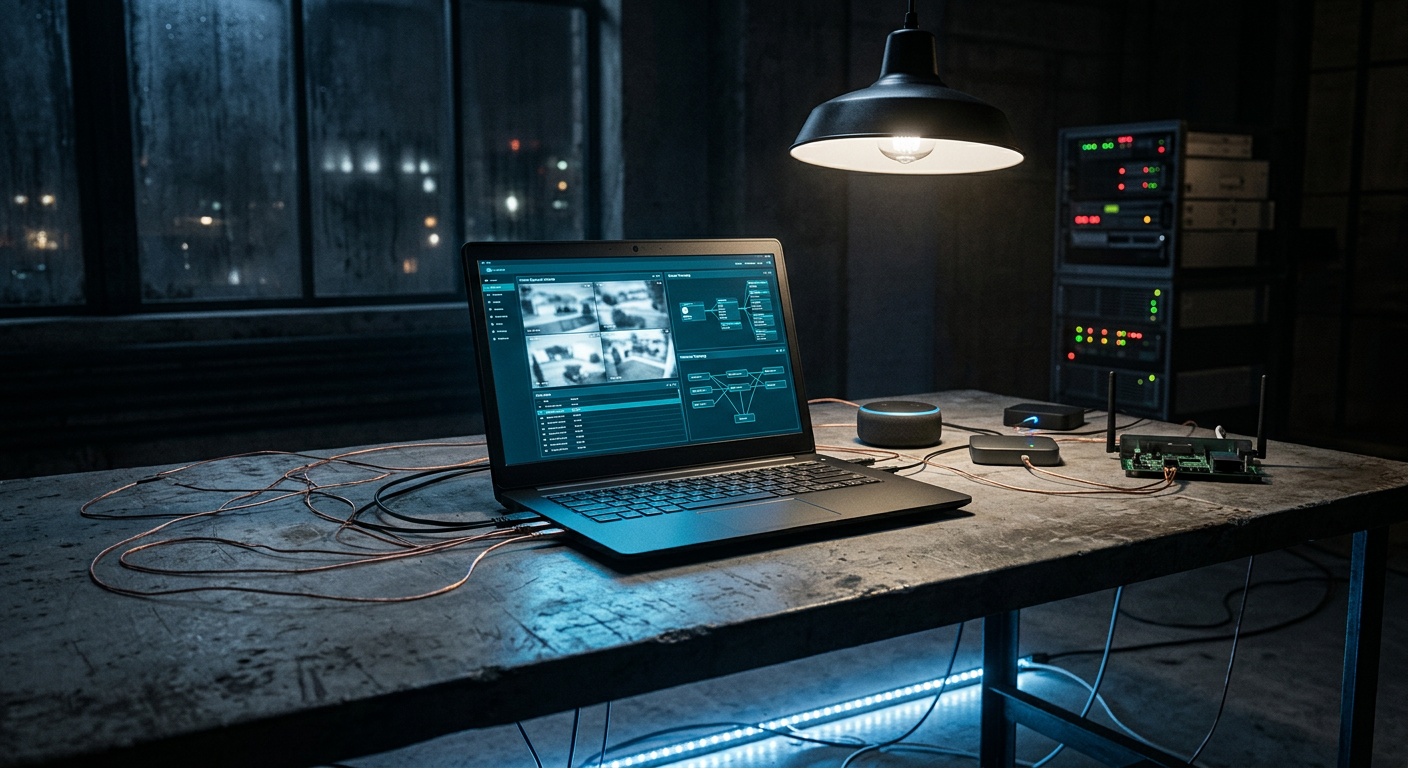
Picture your smart home’s real control plane. It isn’t the app on your phone — it’s the laptop where you log into the router, tune Home Assistant, review camera clips, and hold the admin passwords for everything with a plug. That machine sees every feed and every credential you own.
Now ask what else that machine is doing. If it runs stock Windows, the honest answer is: quite a lot you didn’t ask for. Telemetry on by default. Cloud-synced everything. And Recall-style “AI memory” features that periodically screenshot your screen — including, yes, your camera dashboards and password manager — into a searchable index. You built a private home network and then gave its master keys to the least private operating system you own.
If that sounds alarmist, the receipts are recent: Microsoft’s Recall and its auto-enabled AI siblings have been a privacy fire since launch, Texas is suing the world’s biggest TV makers for smart TVs that phone home every 500 milliseconds, and the FBI just dismantled a $46 million criminal proxy empire that ran for twenty years on hacked home routers. In-home devices that quietly serve someone else’s interests are the norm, not the exception — the machine holding your admin passwords shouldn’t be one of them.
Linux vs Windows for the Home Command Center
| Stock Windows | Linux (privacy build) | |
|---|---|---|
| Telemetry by default | Extensive, opt-out at best | None, or opt-in |
| Screenshots your dashboards for AI features | Recall-class features | No |
| Runs your smart-home stack natively | Via WSL/Docker workarounds | Home Assistant, MQTT, Zigbee2MQTT are Linux-native |
| Account required to log in | Microsoft account pressure | Local by default |
| You can audit what it does | Closed source | Open source |
For the self-hosted crowd this is barely a debate — Home Assistant and the whole ecosystem around it are Linux software. The machine that administers a Linux smart-home stack may as well speak the same language and keep its mouth shut about what it sees.
Trust the Hardware, Not Just the OS
Here’s the step most guides skip: installing Linux doesn’t fix what lives below the OS — a proprietary UEFI black box and Intel’s Management Engine, both invisible to you and both running with more privilege than your operating system.
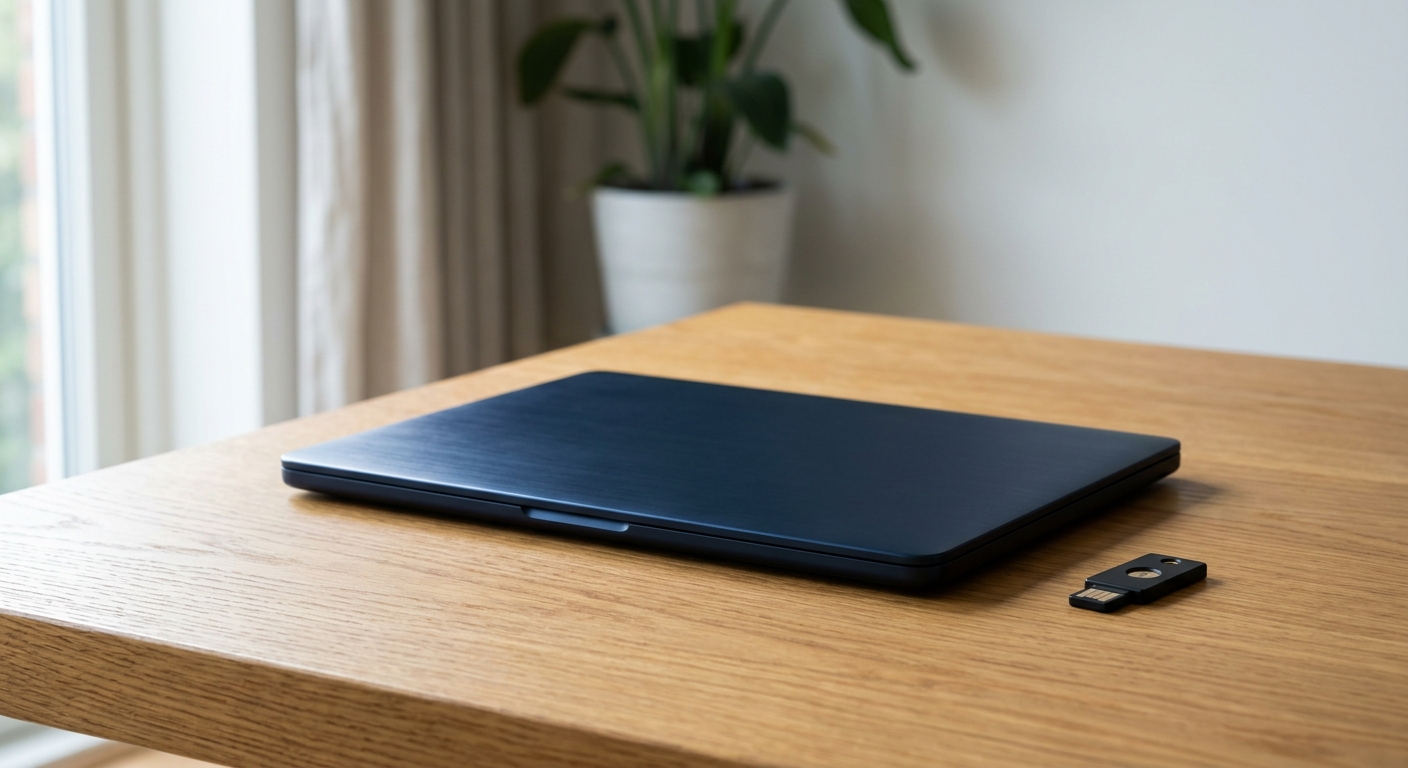
NovaCustom, a Dutch builder, is one of the only vendors that fixes that layer at the factory:
- Open-source Dasharo coreboot firmware — auditable boot code instead of a vendor blob
- Intel Management Engine disabled
- Webcam and microphones physically removed or kill-switched, your choice. The machine facing your living room shouldn’t be a camera you can’t verify.
- PrivacyGuard line ships Linux preinstalled and ready; the SecurityTitan line adds Qubes OS certification and tamper-evident boot verification for the deep end
- EU-assembled, 3-year warranty, 7+ years of support
Two more pieces round out the privacy-first control plane:
- NovaCustom’s NUC Box — the same open Dasharo firmware in a mini-PC. It’s an ideal always-on Home Assistant host: your home’s brain, running on firmware you can read.
- SHIFTphone 8.1 with IodéOS (also from NovaCustom) or a GrapheneOS NitroPhone — a de-Googled phone for the wall-mounted dashboard and on-the-go control.
Configure direct at NovaCustom → — or US buyers get the same hardware and 3-year warranty about 13% cheaper at securitygadgets.shop/novacustom, free shipping included. Full teardown on our sister site: the complete NovaCustom review.
You’d be in good company making the switch. France is migrating government desktops to Linux — a move crystallized the day Microsoft cut off an ICC prosecutor’s account, and the EU Data Act now regulates who gets access to the data your connected devices generate. Sovereignty over your own machines stopped being a hobbyist position and became policy.
The Migration, Painlessly
- Start with the NUC Box or a spare machine as the Home Assistant host — move the always-on brain to Linux first.
- Switch the admin laptop next. A PrivacyGuard build arrives with Linux working out of the box — no driver safari.
- Keep Windows in a box if you must. If one legacy tool truly needs it, run it in a VM with no access to your management VLAN.
- Put the router, NAS, and camera admin logins in a password manager guarded by a hardware security key — we covered that rollout yesterday.
Vendors Who Show Up
NovaCustom puts hardware behind this community, too: at CISO.POKER — the invite-only security-leaders poker night, August 5, 2026 at The Wynn, Las Vegas — NovaCustom is the second-place prize sponsor, with the exact machine staying a mystery until the night. Someone’s smart home is about to get a serious command center.
Bottom Line
Your smart home is only as private as the machine that administers it. A laptop with open firmware, a disabled Management Engine, physical kill switches, and a quiet Linux install isn’t paranoia — it’s just matching the control plane to the standard you already hold the rest of the house to.
Get the laptop your smart home deserves →
Affiliate disclosure: This article contains affiliate links. If you purchase through our links we may earn a commission at no extra cost to you.